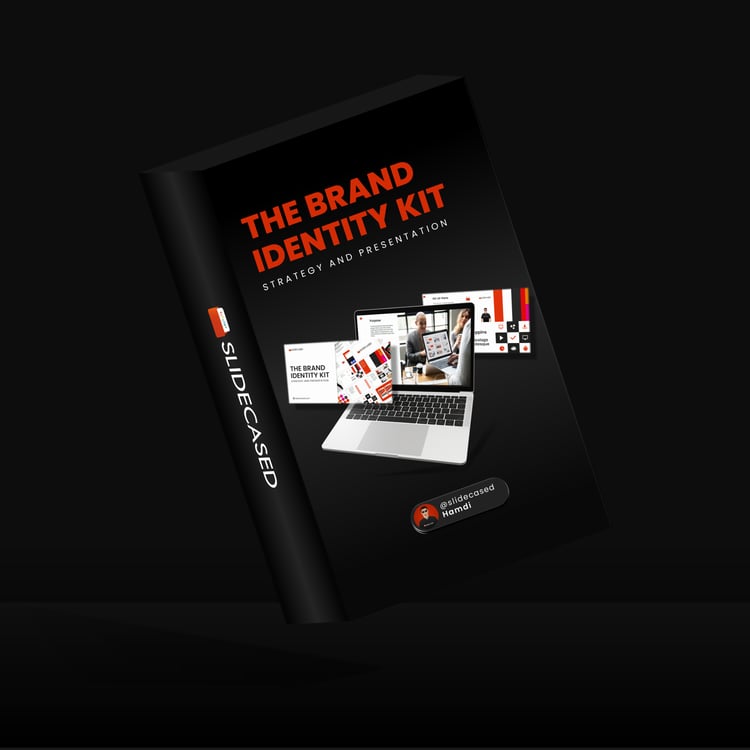
Build Decks Like a Top Consultant
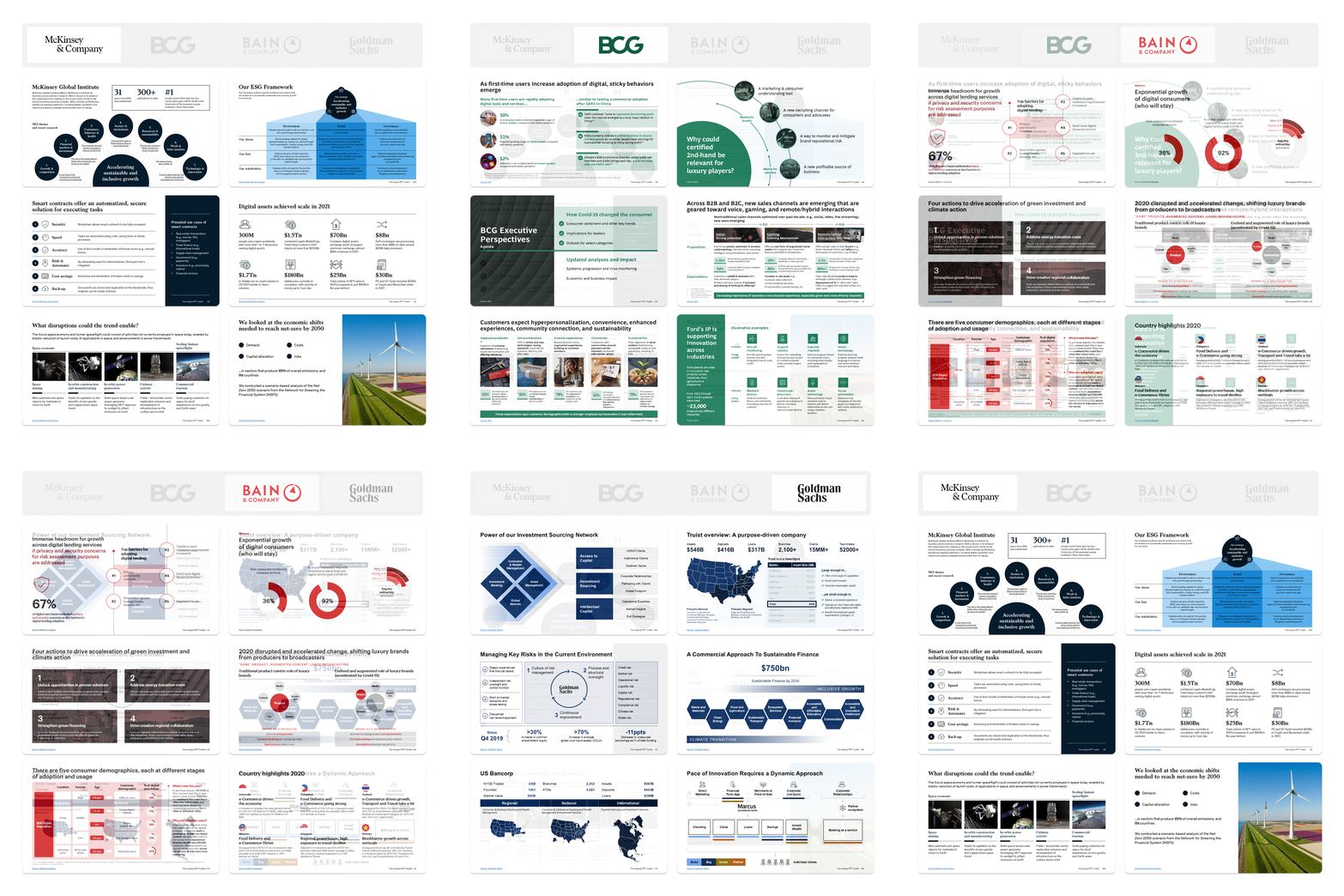
Access 600+ proven slide designs inspired by top consulting and leading firms

Access 600+ proven slide designs inspired by top consulting and leading firms

Most of us, when starting a new project, begin from scratch.
We spend hours figuring out how to structure ideas, design charts, and format slides manually.
But let’s be real—that’s just dumb. 🤦🏻♂️
Every project has been done before. Every problem has been solved before. Every slide has been built before.
Top strategy consultants know this.
That’s why leading firms maintain private databases of proven slides—tested, refined, and reused for maximum impact.
Now, you can do the same.
Never start from a blank slide again. Simply browse, select, and drop in expert-designed slides—built to consulting and Fortune 500 standards, without the premium price tag.
The toolkit is for anyone who creates slide decks that need to impress and influence senior stakeholders, including:

Stand out in your role and confidently present to senior executives.

Deliver high-impact presentations that impress clients and drive results.

Preparing to launch your career in corporate, consulting, or finance.
Unlike ordinary templates with blank placeholders, the slides in The Analyst PPT Toolkit come pre-filled with high-quality content from top strategy consultants, so you can drag, drop, and customize—saving time while leveraging professional insights.
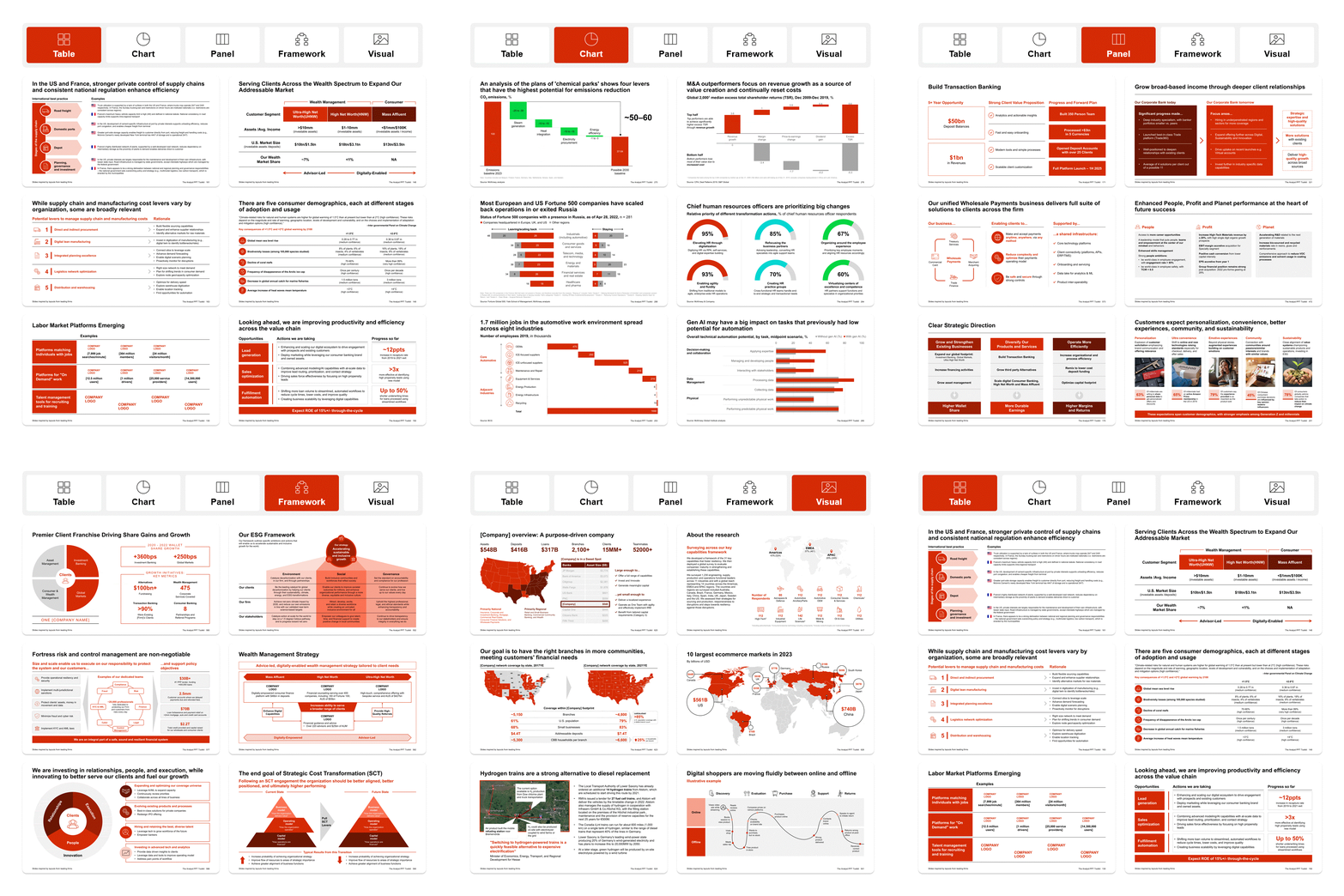
Struggling with slide layouts? The toolkit provides ready-made designs for graphs, charts, processes, and text-heavy slides, ensuring your content is structured for maximum clarity and impact. Whether you're presenting complex data or key insights, you'll have the right slide to tell your story effectively.
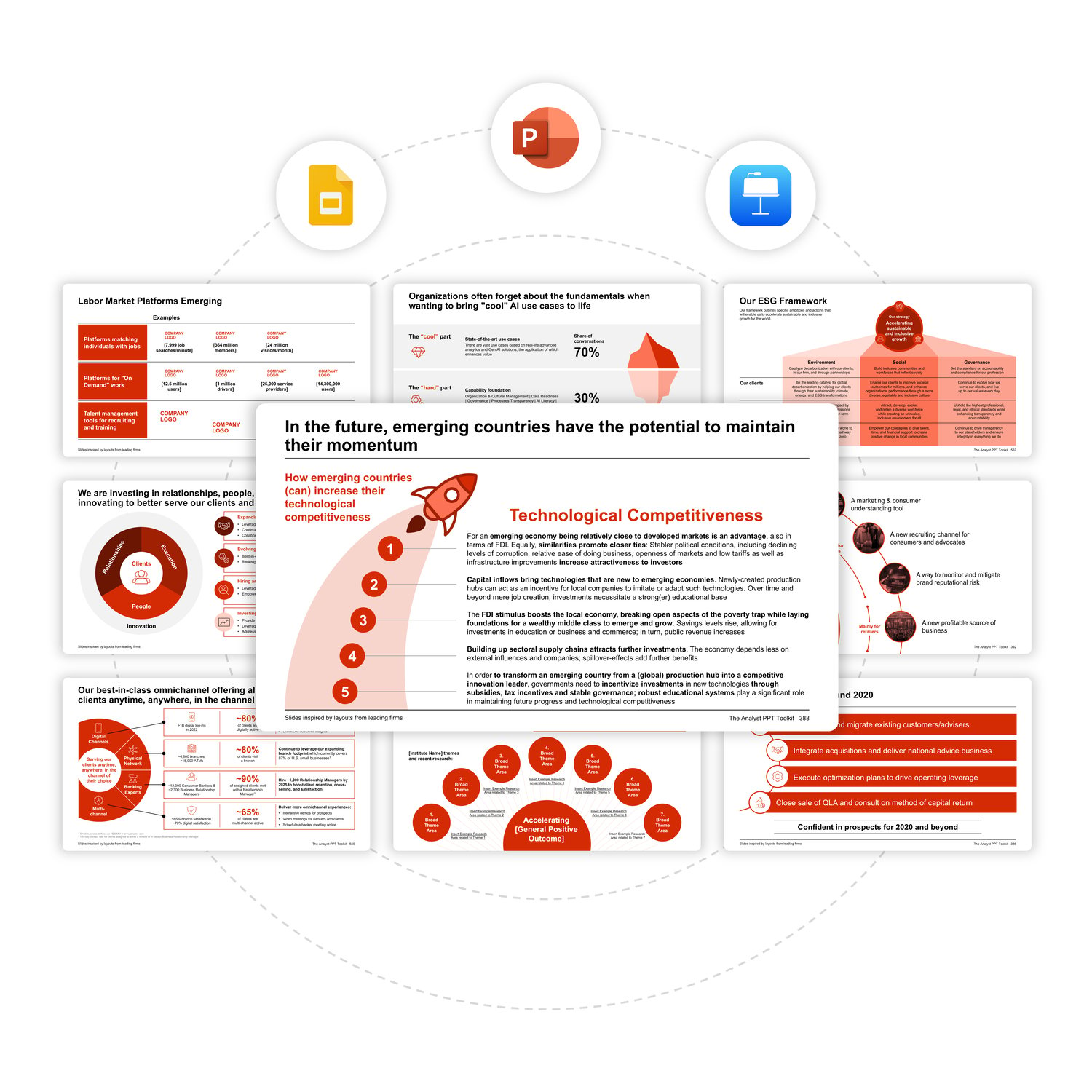
The Analyst PPT Toolkit works seamlessly with PowerPoint and offers compatibility with Keynote and Google Slides ensuring broad accessibility across platforms.
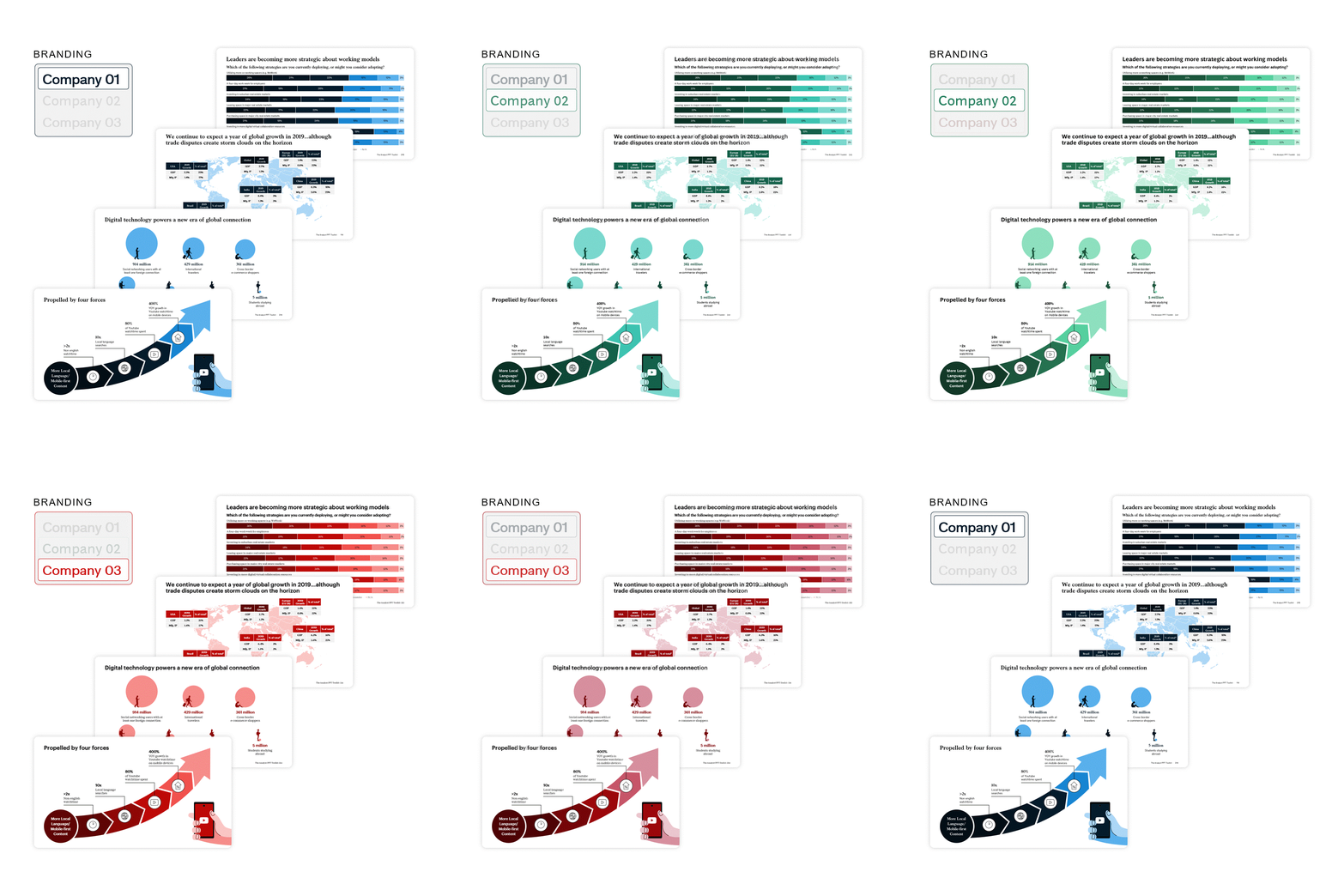
Effortlessly customize fonts, colors, and logos to reflect your company's style. Whether you use PowerPoint, Google Slides, or Keynote, global updates take just a few clicks, ensuring every slide looks polished, consistent, and perfectly on-brand.
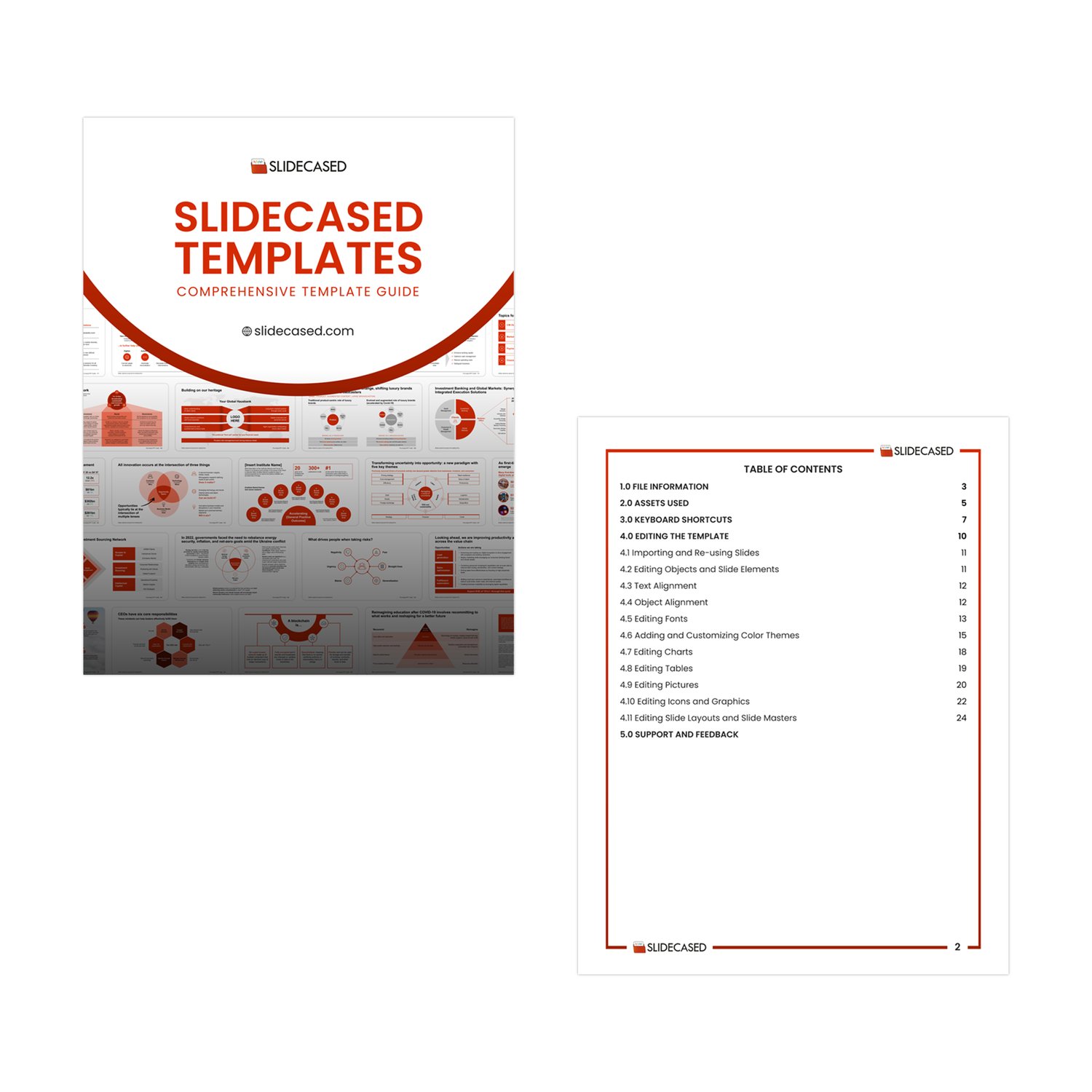
Not sure where to start? The toolkit includes a comprehensive guide that walks you through best practices for structuring slides, formatting content, and customizing designs efficiently. Learn how to apply the templates effectively and create high-impact presentations with ease.
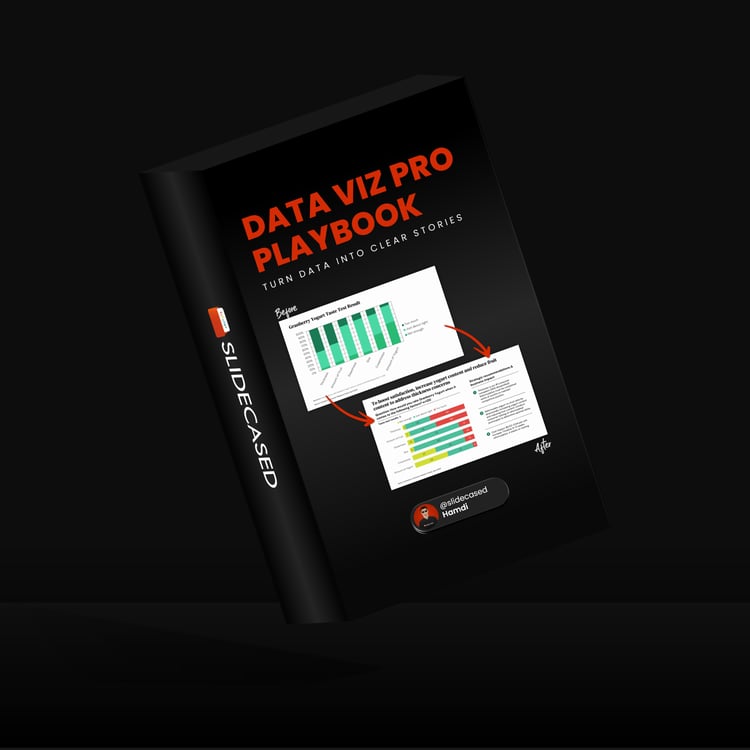
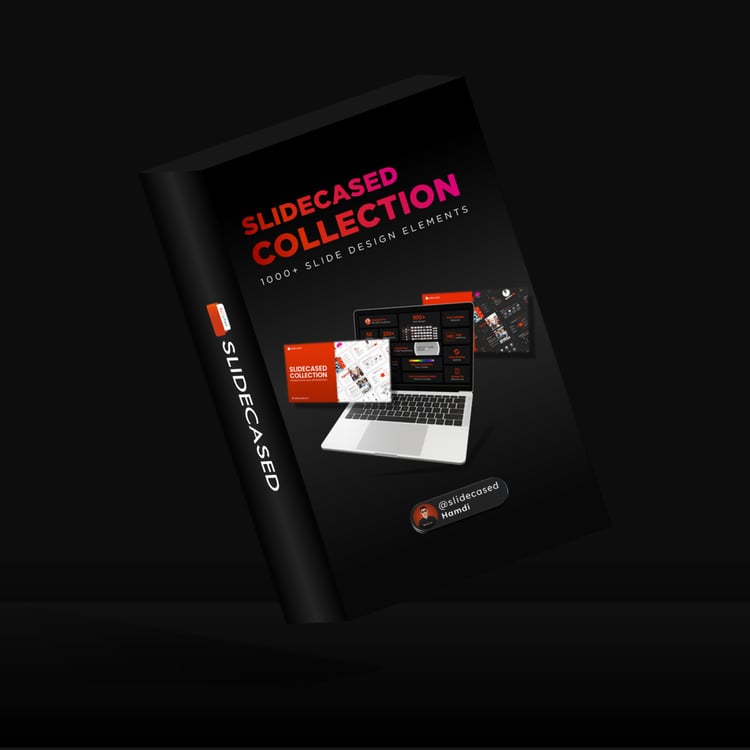
Along with 600+ expertly designed slides, you’ll also get a premium library of resources to enhance your presentations
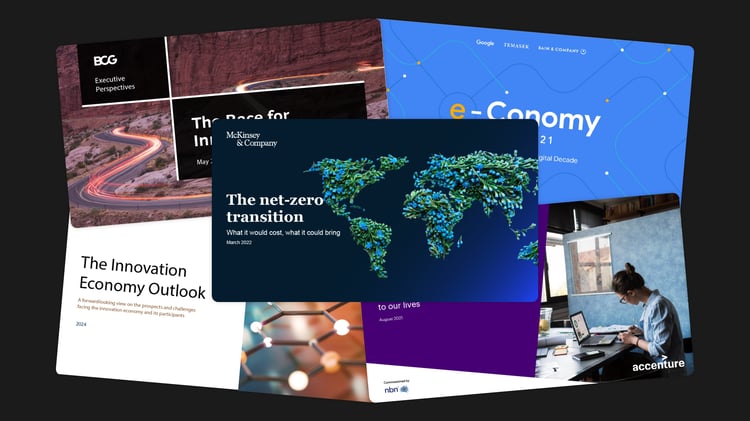
Access 100+ real-world business presentations to inspire your slides
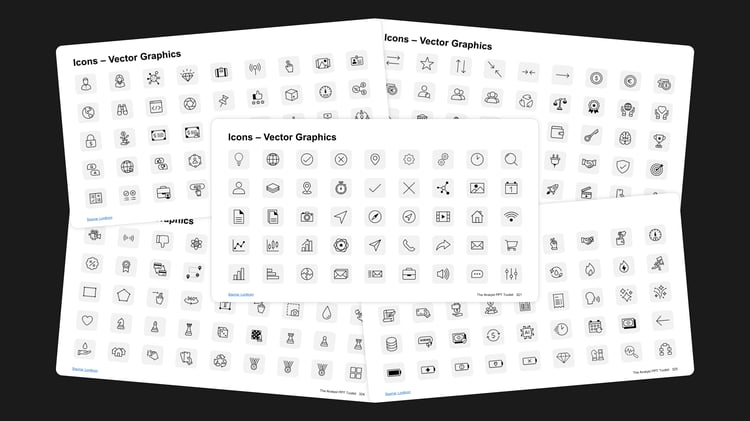
Use 2,000+ unique vector icons to enhance your visuals.
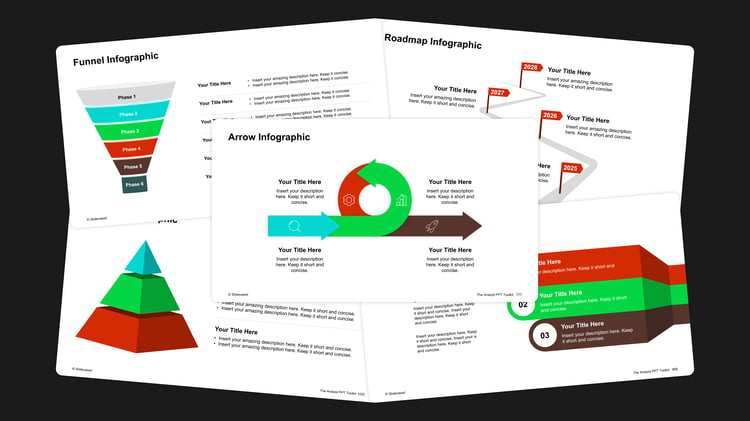
Choose from 300+ high-quality infographics to simplify complex ideas.
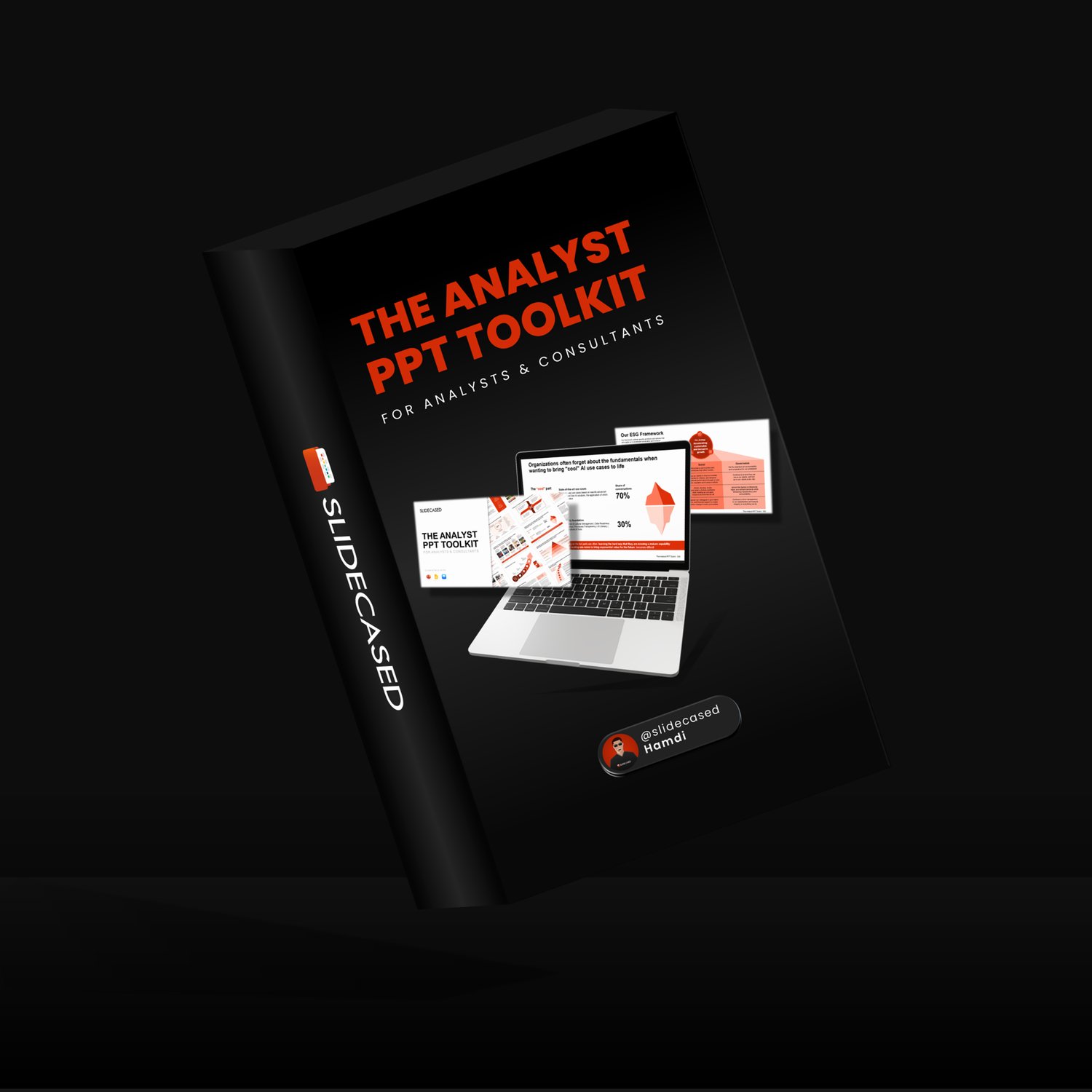
✅ 600+ Pre-Built Slide Layouts
✅ Best Practice Checklists
✅ 2,000+ Vector Icons
✅ 300+ Infographics
✅ Real-World Examples
✅ Comprehensive Usage Guides
It’s an extensive slide library featuring 600+ professionally designed slides, crafted using best practices from top consulting and leading firms.
Whether you’re looking to create polished, impactful presentations or streamline your workflow, this toolkit offers everything you need to present with confidence and professionalism.
Unlike generic templates, this toolkit features expertly crafted layouts, real-world examples (no placeholder content), fully customizable design elements, and proven frameworks used by leading professionals in top-tier firms.
Yes! Whether you’re new to presentation design or a seasoned pro, the included usage guide ensures you can make the most of the toolkit.
Absolutely! The slides are fully editable, allowing you to adjust layouts, colors, text, and graphics to suit your style and needs.
The toolkit is fully compatible with PowerPoint, Google Slides, and Keynote, ensuring broad accessibility across platforms.
However, for a few specific slides in the chart section, Google Slides and Keynote users may need to recreate certain charts or make minor layout adjustments due to software limitations.
A single purchase grants usage rights for you and up to 4 additional team members (a total of 5 users) within the same company or organization. This makes it ideal for small teams, startups, or internal departments.
If you’re purchasing for a larger business or need access for more than 5 users, please contact us to discuss a custom license for your organization.
Yes, when you purchase The Analyst PPT Toolkit, you will receive free lifetime updates. This ensures you always have access to the latest features and improvements.
As the Analyst PPT Toolkit is a digital product, we do not offer refunds. We encourage you to review the product details and features carefully before making your purchase.
Don’t hesitate to reach out—we’re here to help!